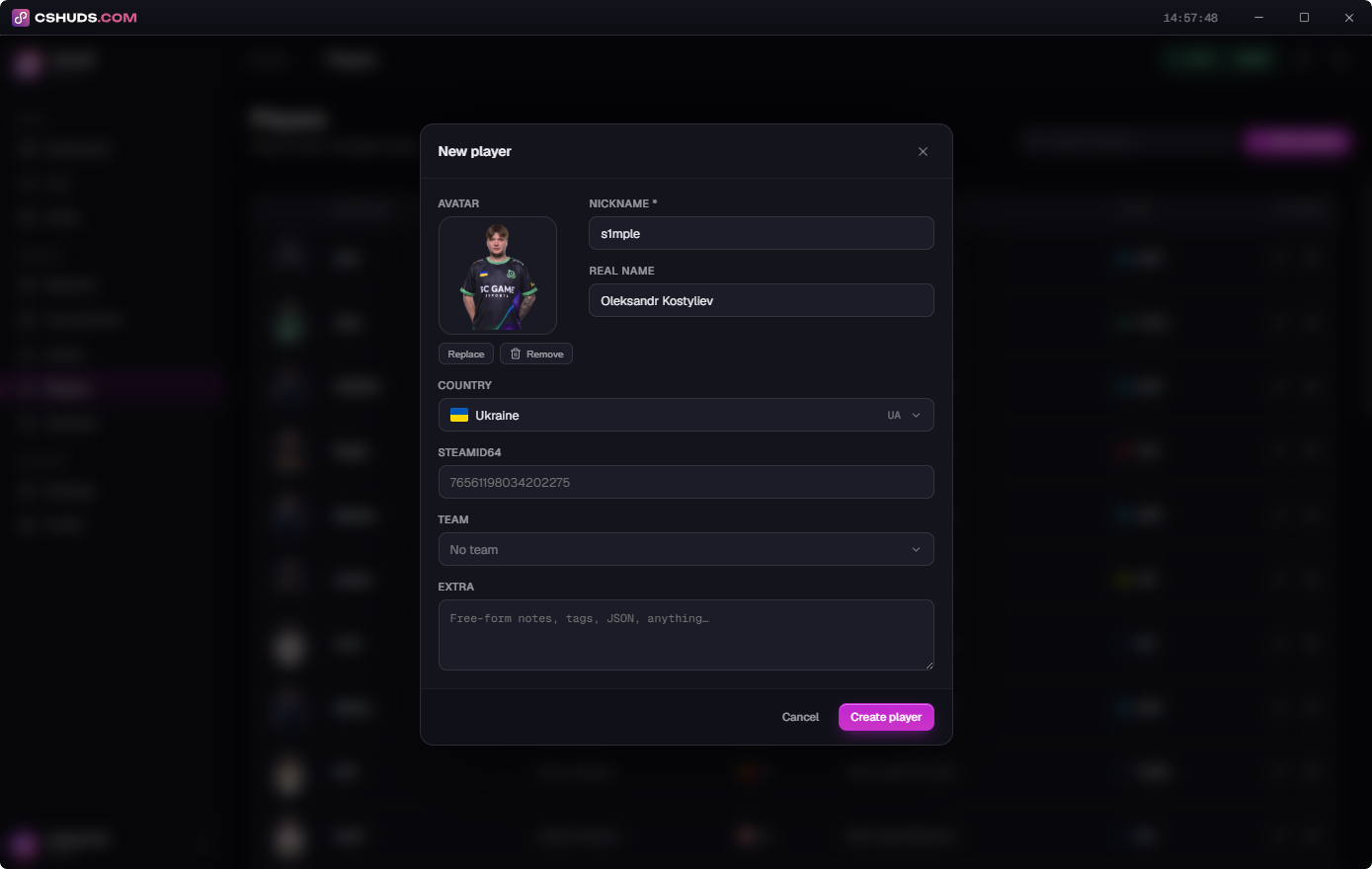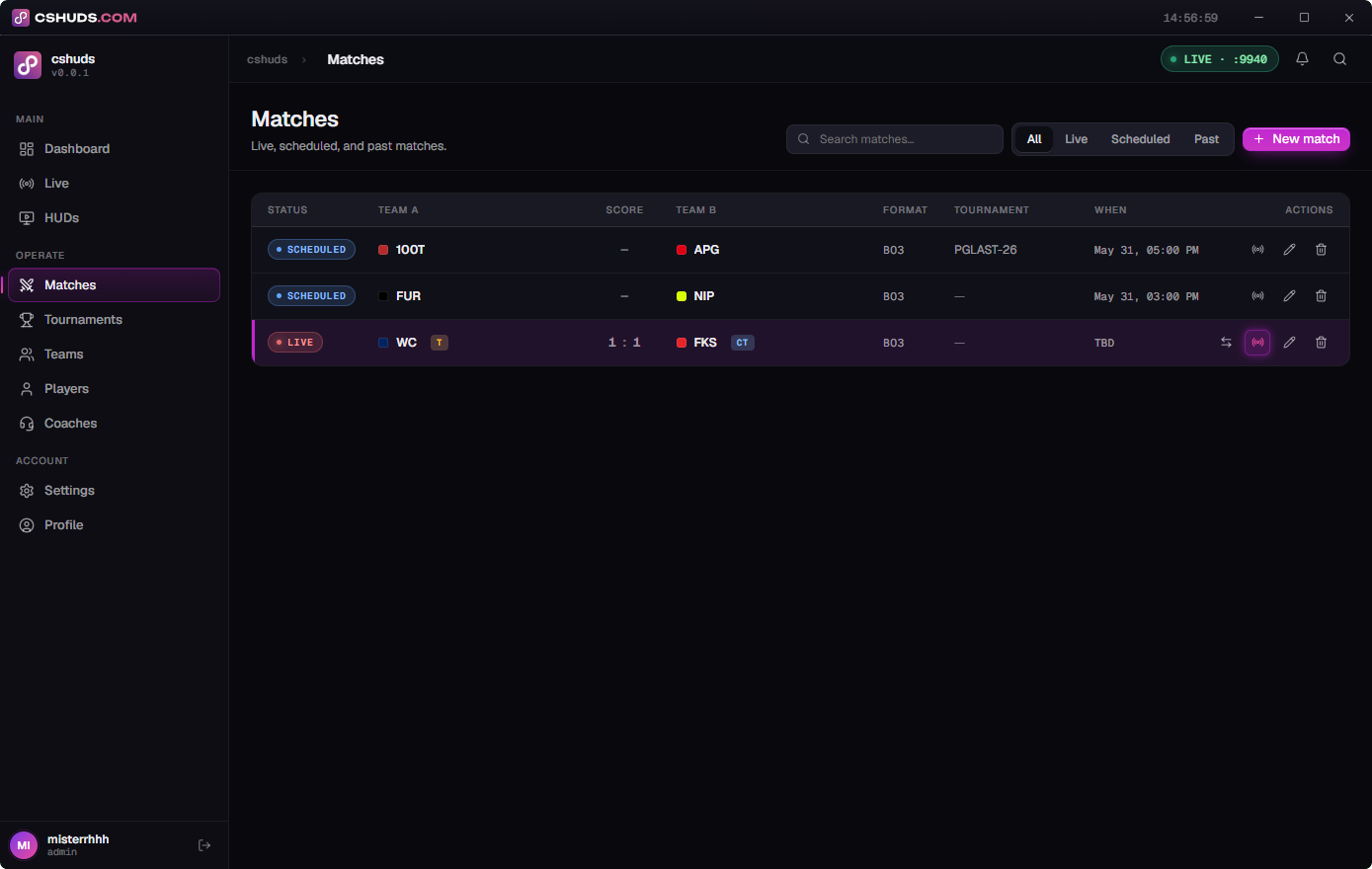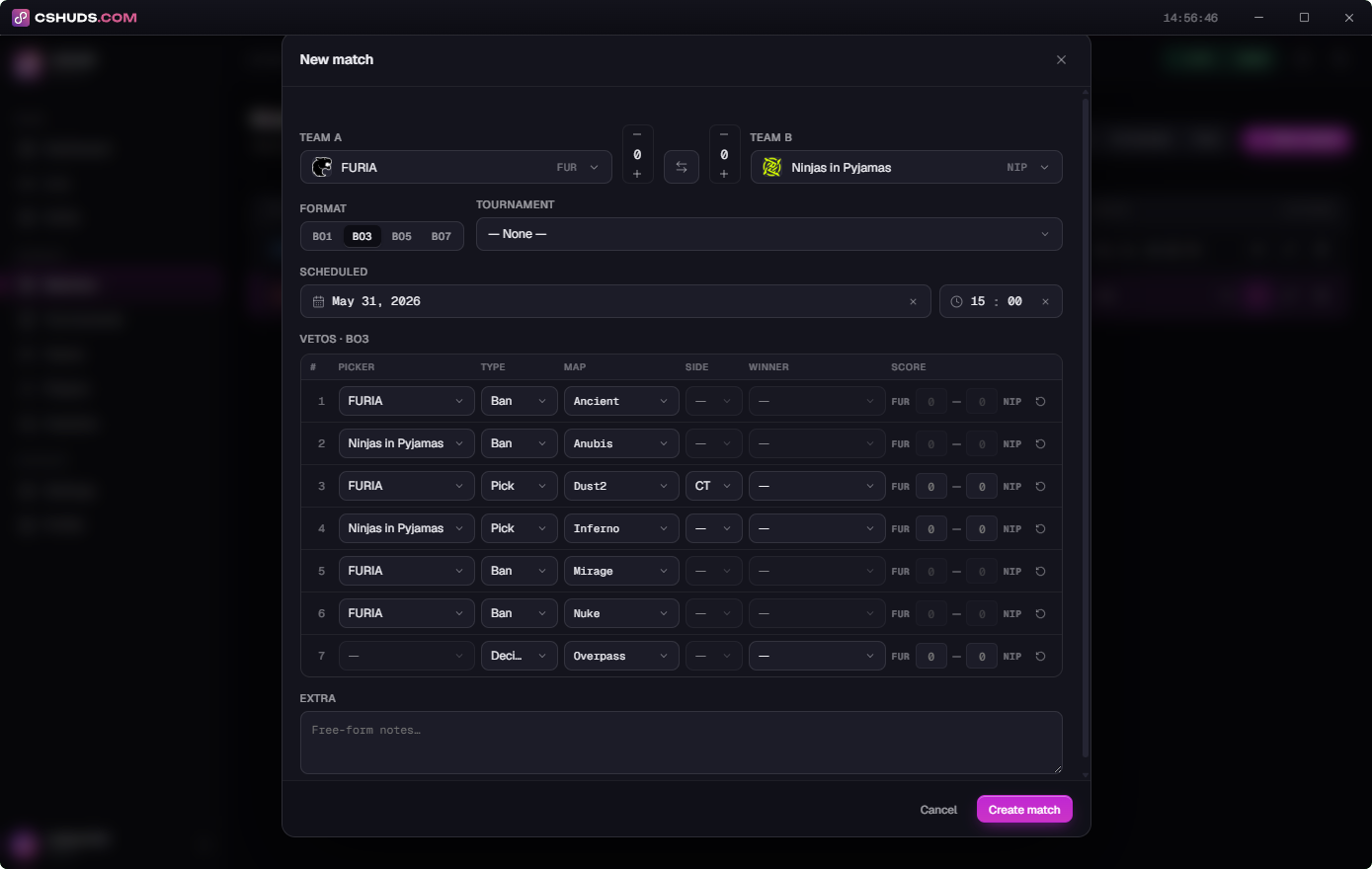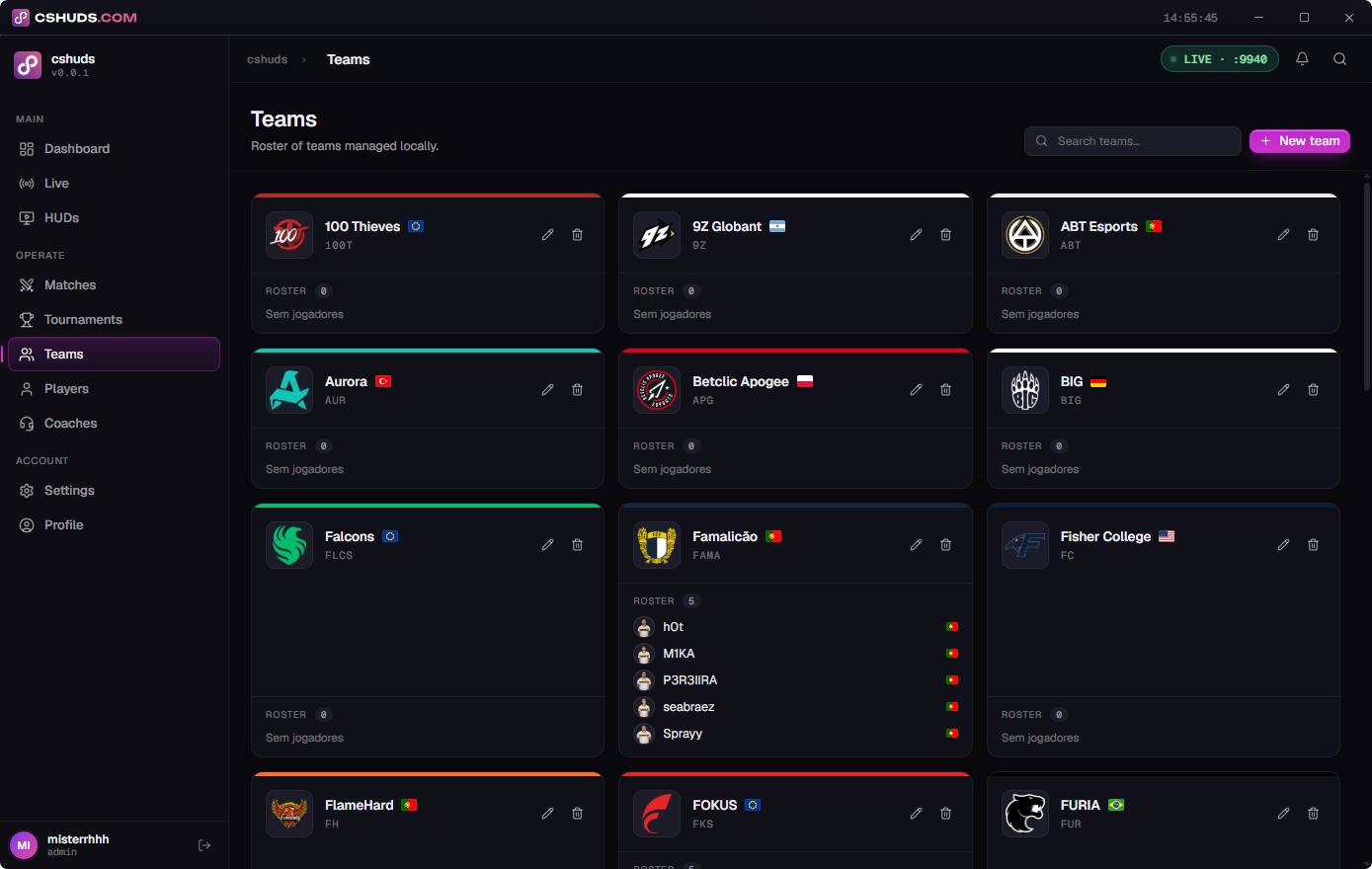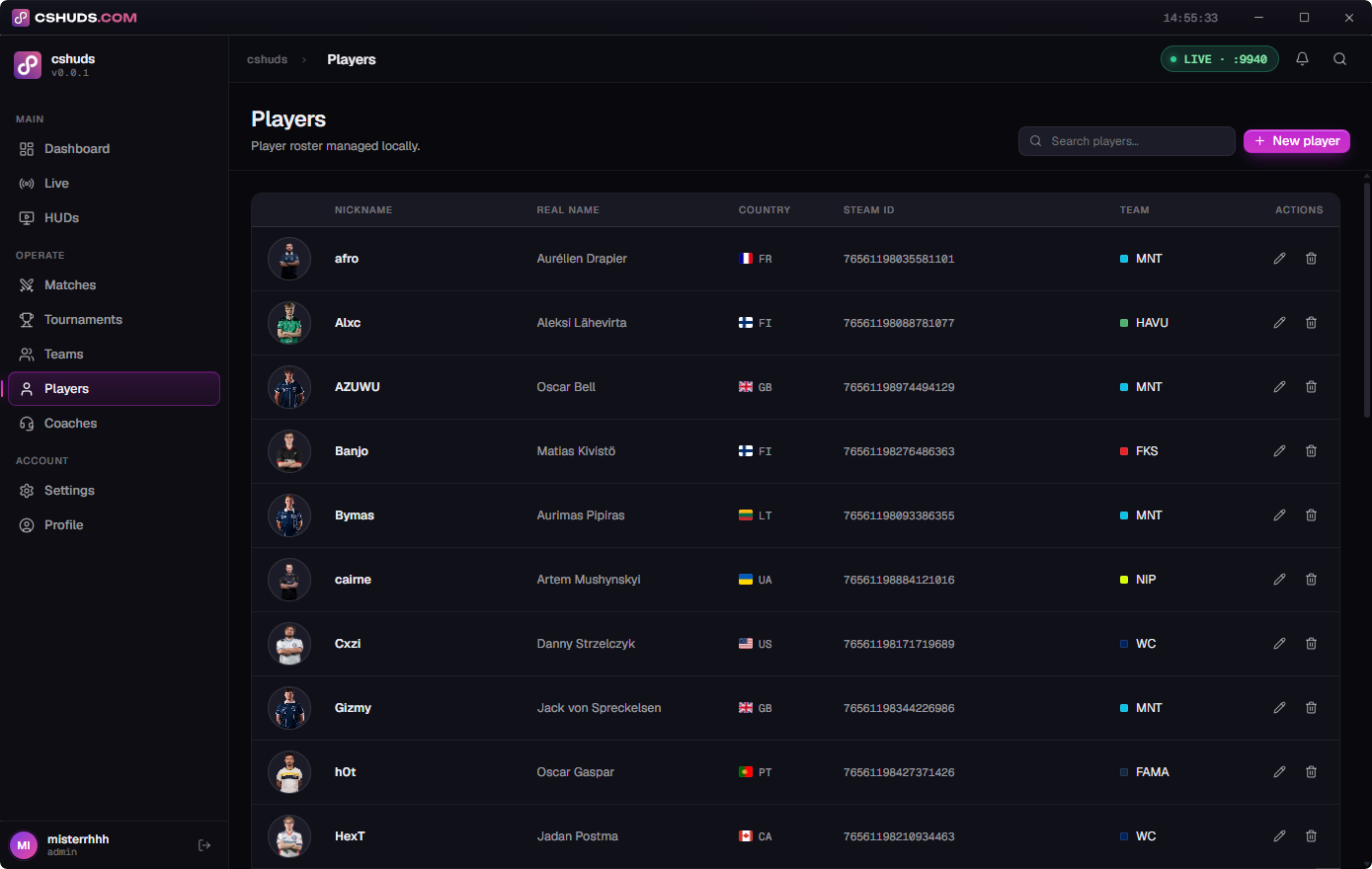

The desktop suite for CS2 observers and streamers — run broadcast-grade HUD overlays, manage teams, players and matches, and keep the camera on the action. One-click setup, ready in minutes.
Download for Windows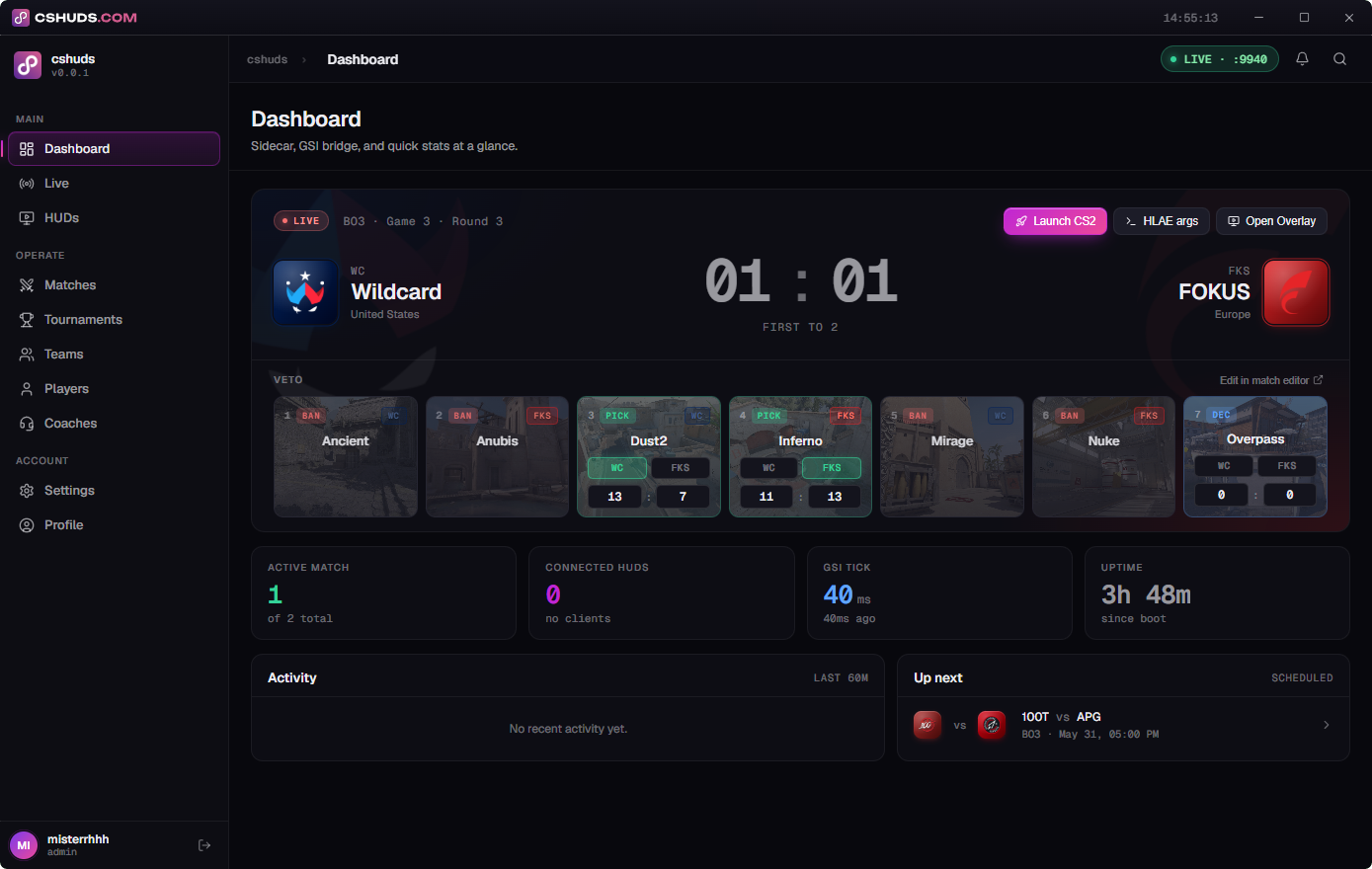
One app for HUD overlays, team and match management, and live cameras — set up in one click. Free to start; go PRO to unlock everything.
Yes. HUDs pull live data over Game State Integration (GSI), and the PRO features use the HLAE/mirv bridge — both need a gamestate_integration cfg and launch parameters. cshuds writes, installs and updates all of it automatically; you click once.
The HUD overlays are external and read-only — they consume Valve's official GSI push API and never touch the CS2 process, so there's no VAC risk. The PRO overlays (Auto Observer, X-ray colors) use HLAE/mirv, the standard toolchain for observing GOTV and demos.
Counter-Strike 2 on Windows. It auto-detects your Steam and CS2 install, runs a local GSI endpoint, and drives the PRO features through HLAE/mirv.
Both. The HUD runs off live GOTV or local demo playback; the killfeed is built from mirv game events in real time.
Free includes one HUD and the full broadcast toolkit — teams, players, matches, tournaments and GSI-driven overlays. PRO unlocks every HUD, the on-device AI Auto Observer, custom X-ray colors and peer-to-peer player cameras.
Yes, anytime. PRO is billed monthly through Paddle (our merchant of record). Cancel from your account and it stays active until the end of the paid period.
Hop into our Discord — tips, support, updates and chat with other CS2 observers and streamers.
Join the Discord